What you see as a student
Your own sessions and the notes your tutor shares with you, on your phone or computer.
For students. Updated October 2026.
Where to find it
Your portal's Home and Schedule
Steps
Open the invite link your tutor sent you.
It shows what you'll see as a student: your schedule and the notes your tutor shares.
Press Sign in to accept and sign in.
You come back to the invite.
The first time, type Your mobile number.
Press Accept invitation.
Your portal opens on Home, where Next session says when your next session is.
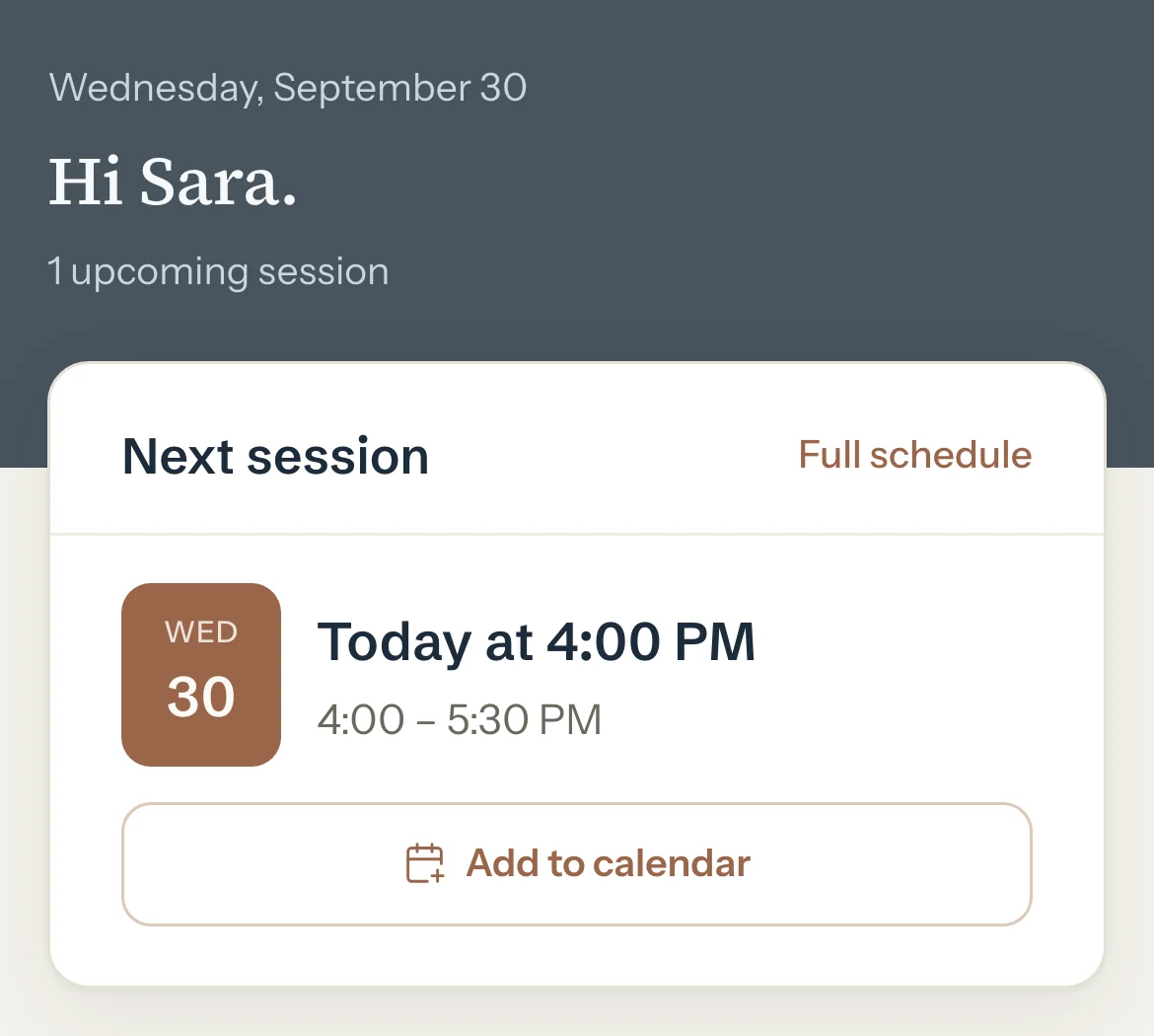
Optional: Press Add to calendar to save that session in your calendar.
Further down Home, read the notes your tutor shares after a session.
Press Schedule to see all your sessions, coming and past.
Good to know
- You see your own sessions only, never a brother's or sister's.
- Only notes your tutor chooses to share show here. Their private notes never do.
- Your portal has Home and Schedule, Report cards once your tutor publishes one you can see, and your Profile under your initials. See Read your report cards.
- Times are in your tutor's time zone.
- The portal is read-only. To move or cancel a session, ask your tutor.
- Choose light or dark in your Profile, under Appearance.
If something's not right
"This invite link is no longer valid"
It was already used or cancelled, or it's too old. Ask your tutor for a new one.
A session is missing or at the wrong time.
Your tutor keeps the schedule. Ask them to correct it.
Related
Still stuck? Email support@tutello.ae.