Your profile, name and dark mode
Change the name your tutors see and choose light or dark; your email and mobile stay as they are.
For parents. Updated October 2026.
Where to find it
In your portal, the circle with your initials opens Profile
Steps
In your portal, tap the circle with your initials.
Your Profile opens.
In Your details, change your Name and press Save changes.
Your tutors see this name.
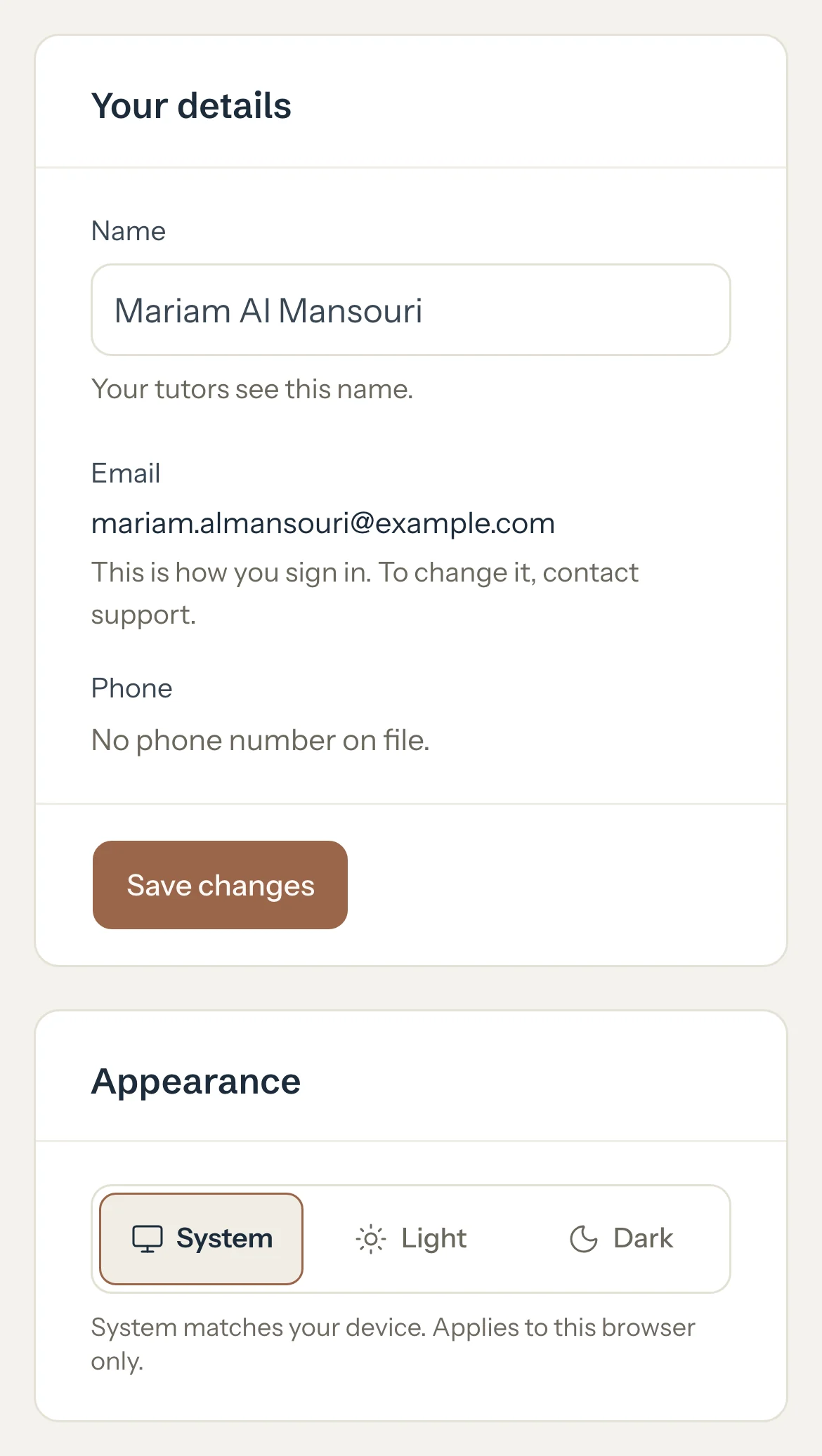
In Appearance, choose System, Light or Dark.
System follows your phone, so the portal turns dark when your phone does.
Optional: In Sign-in and security, set or change a password, or sign out on every device.
Good to know
- Your Email is how you sign in. To change it, contact support.
- Your Phone is the mobile number you gave when you accepted an invite. To change it, contact support.
- Your name is the same for every tutor you're with.
- Light or dark is kept on this phone or computer only.
- Nothing else on this page changes your access. Only your tutor can add or remove it.
If something's not right
I want to sign in with a different email.
Email support@tutello.ae from the address you use now. Your email is how you sign in, so only support can change it.
Related
Still stuck? Email support@tutello.ae.