Skip a month or choose the dates
Skip a month's card when there's little to say, or make a card for the dates you choose, such as a mock exam term.
For tutors. Updated October 2026.
Where to find it
- On a phone
- Students, then Report cards at the top, then Cards
- On a computer
- Report cards, then Cards
An open card has the same skip under More.
Steps
To skip a month, press More on the student's row, then Skip September.
Optional: Tick Add September's sessions to October's card if next month's card should cover both months.
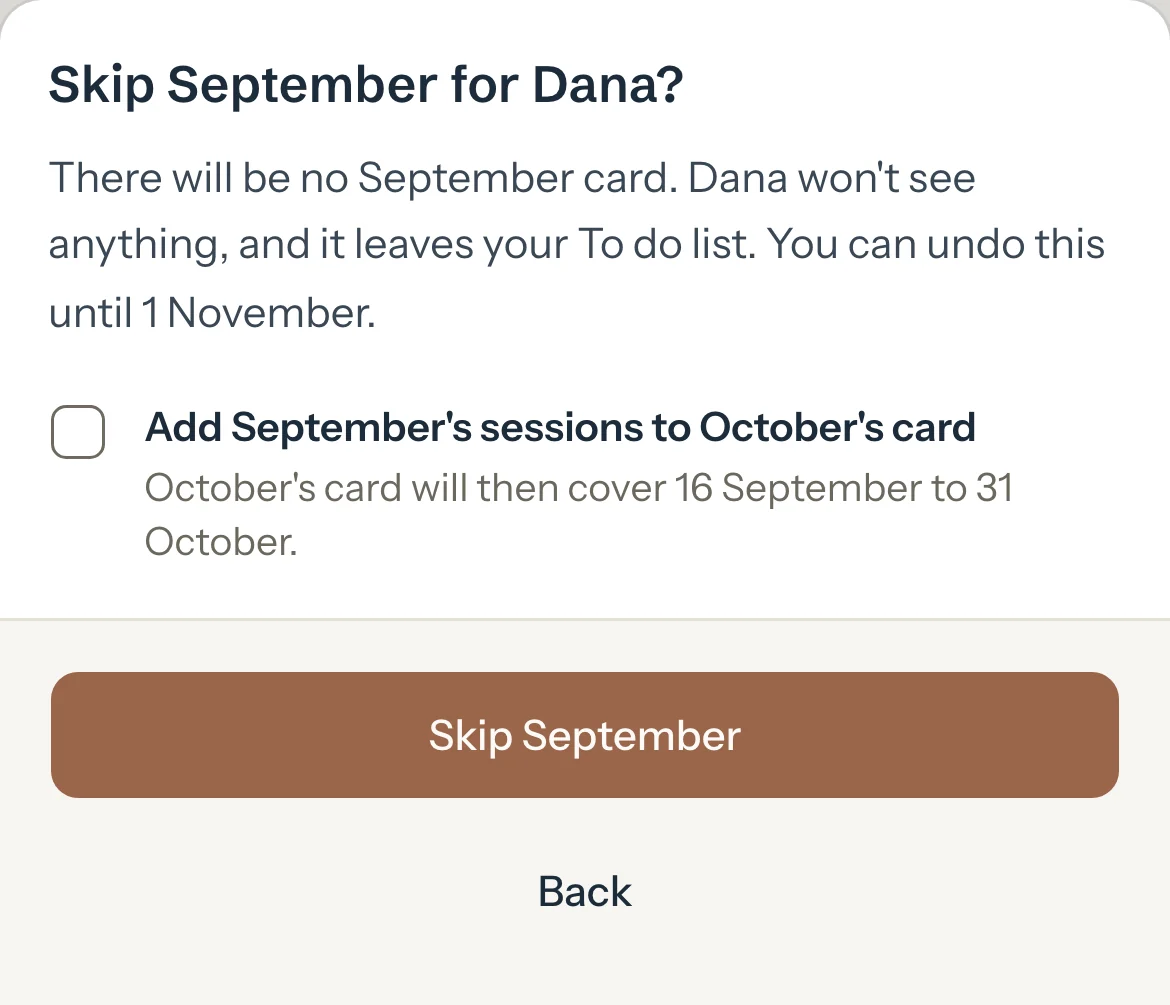
Press Skip September.
There's no September card for them, nobody is told, and it leaves your To do list.
Optional: To skip several students at once, press Select, tick them, then Skip selected.
For a card covering dates you choose, press New report.
Choose the Student, then Dates I choose under Covers, and set From, To and a Title.
Card type starts on the student's own setting.
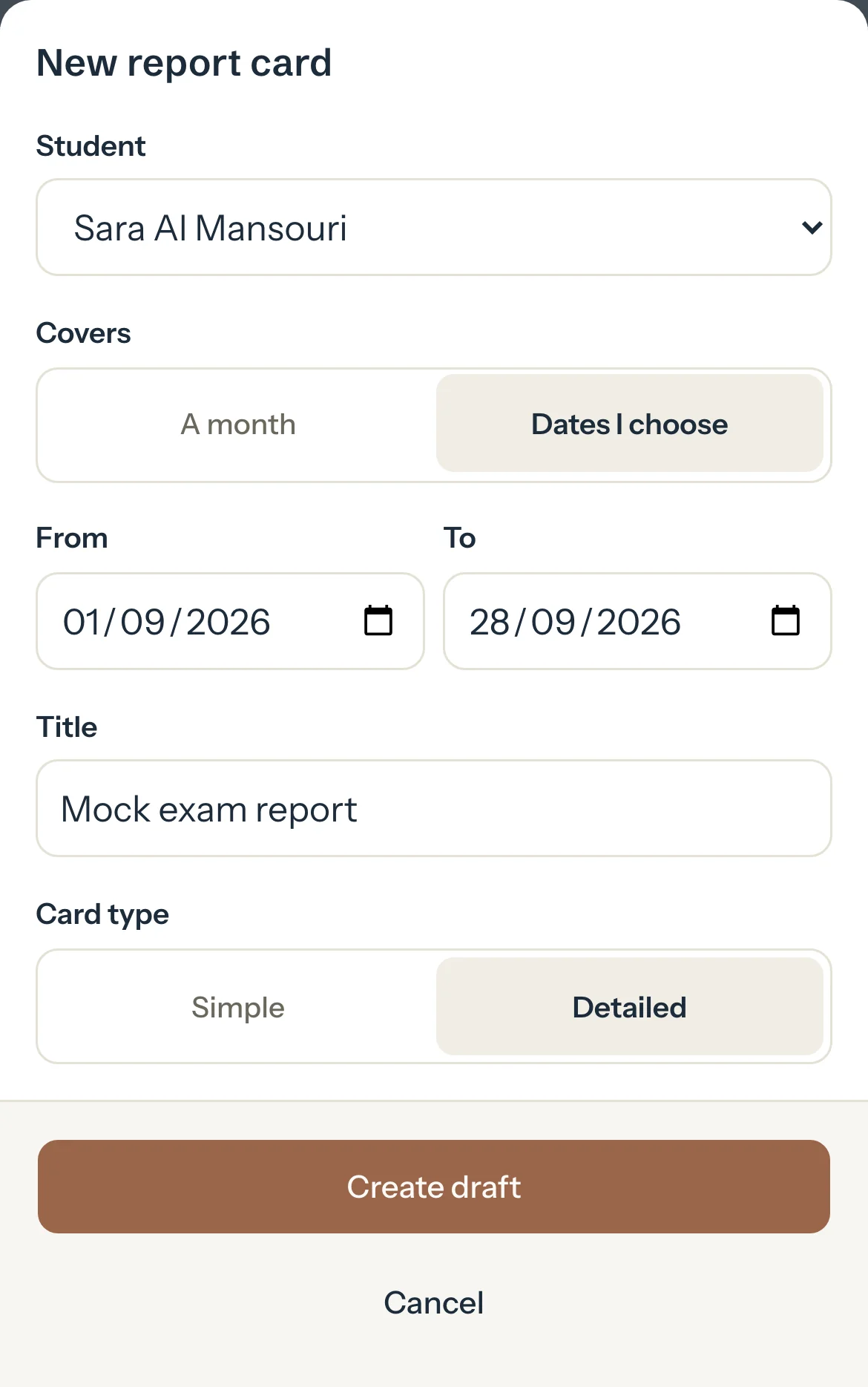
Press Create draft.
The card opens, ready to write and publish like any other.
Good to know
- You can undo a skip until the 1st of the month after next: press Undo on the student's row, or on the card.
- A card for dates you choose can cover a year at most, ends today or earlier, and needs a title. It sits beside the month's cards and never replaces them.
- New report with A month makes a month's card for a student whose cards come only when you ask: see Choose how often cards are made.
- A student's own Progress tab has New report too, opening on that student.
If something's not right
"Choose dates that end today or earlier, with From before To."
A card can't cover days still to come. Move To to today or earlier.
"A report card can cover a year at most."
Make two cards, one for each part.
Related
Still stuck? Email support@tutello.ae.