Add a student
Add a child to a family, or a student on their own, with their curriculum and year, subjects and their own rate.
For tutors. Updated October 2026.
Where to find it
Students, then Add student
A family's page has its own Add student, with that family already chosen. While adding a session, Add a new student opens the same form.
Steps
Press Add student.
Add a student opens over the page.
Under Billing, choose Part of a family and pick the family in Family, or choose Independent student for someone who pays for their own sessions.
Opened from a family's page, the family is already chosen and this choice doesn't show.
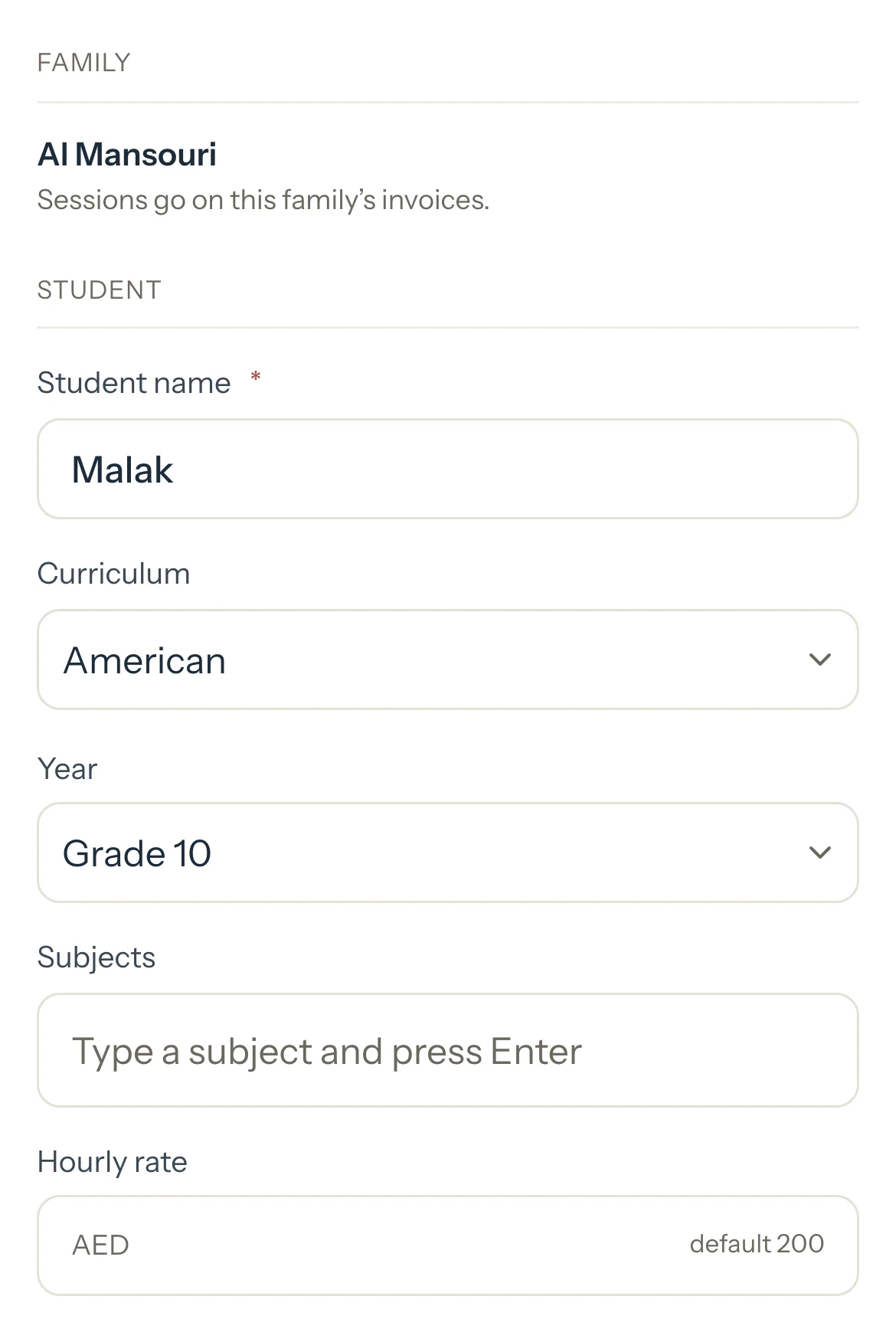
Type the Student name.
For an independent student, type their Phone. It's needed for them only.
Optional: Choose their Curriculum and Year, or leave it on No level.
Optional: In Subjects, type a subject and press Enter. Add as many as you need.
Optional: Type an Hourly rate for this student. Left empty, their sessions use your default rate.
Optional: Add Notes for yourself.
Press Add student.
The student is added and the page you were on stays open.
Good to know
- Independent is your choice: there's no age or checkbox. Use it for an adult who pays for their own sessions, and they get their own invoices. See Bill an adult learner directly.
- Each session copies the student's rate when you add it. Changing the rate later never changes sessions already on your calendar.
- If the family already has a student with that name, you're asked first. Press Add anyway if they really are two.
- Students lists everyone. Show only Family or Independent students, search by name, or keep one subject.
Related
Still stuck? Email support@tutello.ae.