Set a student's curriculum and year
Give each student a curriculum and a year, so report cards print their level and Tutello can suggest the right topic list.
For tutors. Updated October 2026.
Where to find it
Students, then the student, then Details
Add student and a new family's student rows have the same fields.
Steps
Open the student's page and press Details.
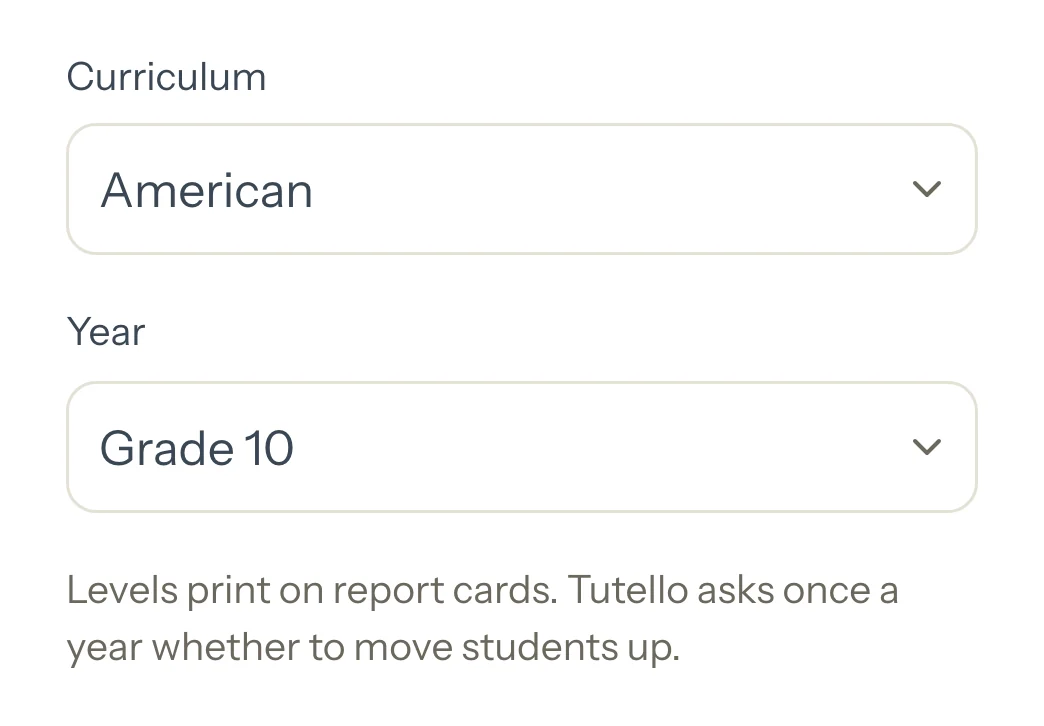
Under Curriculum, choose the student's school system, or Other or not sure.
Under Year, choose their school year.
Before: Grade 10 shows under it when the grade you had typed reads differently.
Optional: For a British Year 10 to 13, choose the Exam (optional) and its Exam board, so Tutello suggests the right list.
Press Save changes.
Good to know
- The level prints on each report card under the student's name, and the year decides which topic list Tutello suggests.
- Grades you saved before levels existed show as Other or not sure with the same year. Tutello never guesses a curriculum, so choose it when you know it.
- Adult or professional needs no year. University has its own years, from a foundation year to postgraduate.
- A student marked 'Grade 13' gets a question on Students and on their Details: choose Year 13, British curriculum (A Level), University, or keep the words. Set all to University answers for everyone at once.
- Each new school year, Students asks whether to move students up: ticked students move up one year when you press Save, and Not now hides the question until next year. A student in their last school year shows unticked. School years start on 1 April for CBSE and ICSE and on 20 August for the others.
- Published report cards keep the level they were published with.
If something's not right
A student isn't in the move-up list.
Their level has no year to move from, as with Adult or professional. Set the new level on their Details.
Related
Still stuck? Email support@tutello.ae.