Use dark mode
Choose System, Light or Dark for Tutello on this device; parents choose their own in their portal.
For tutors. Updated October 2026.
Where to find it
- On a phone
- Settings (tap your initials), then Preferences, then Appearance
- On a computer
- Settings, then Preferences, then Appearance
Steps
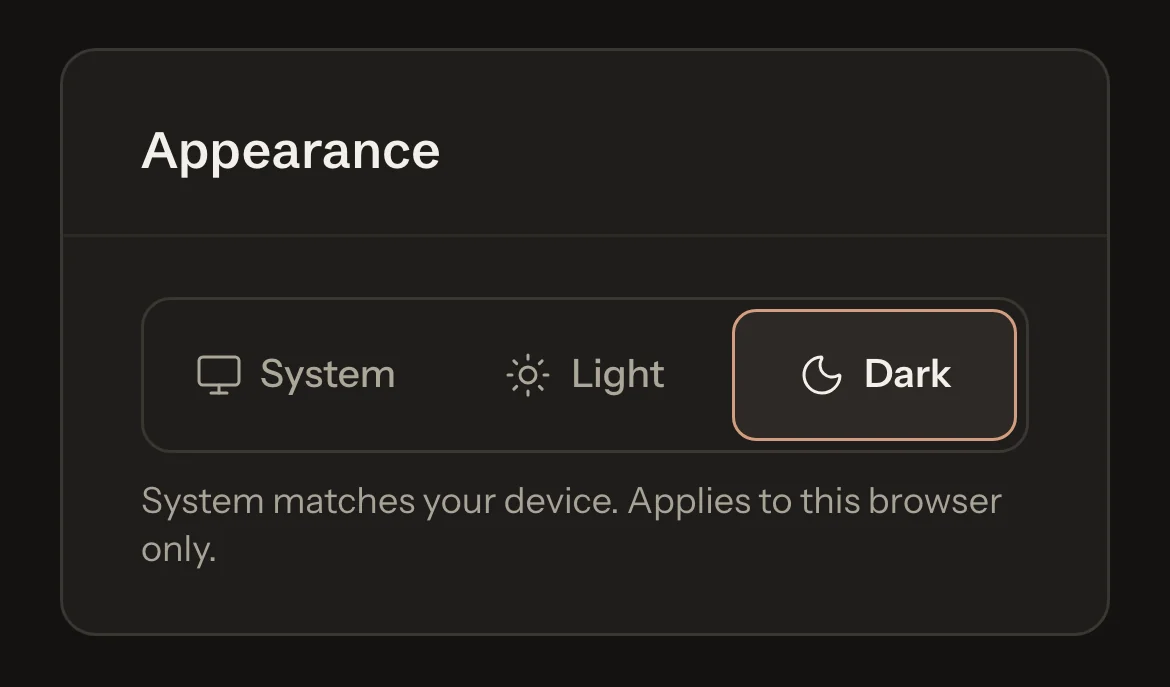
In Appearance, choose System, Light or Dark.
The app changes straight away. System follows your phone or computer, so Tutello turns dark when your device does.
What parents see
- Parents and students choose their own on their portal's Profile page. Your choice never changes theirs.
Good to know
- The choice is kept in this browser only. Set it again on each phone or computer you use.
- It covers the app, your parent portal if you have one, and the sign-in pages.
- Invoices stay white on screen, because that's what the family receives. PDFs and emails are always light.
- The Tutello website and this guide stay light.
Related
Still stuck? Email support@tutello.ae.