Create your account and sign in
Sign up with Google, an email link or an email and password, and sign in on the same page parents use.
For tutors. Updated October 2026.
Where to find it
tutello.ae, then Start free or Sign in
Steps
On tutello.ae, press Start free.
The sign-in page opens. It's the same for new and returning tutors.
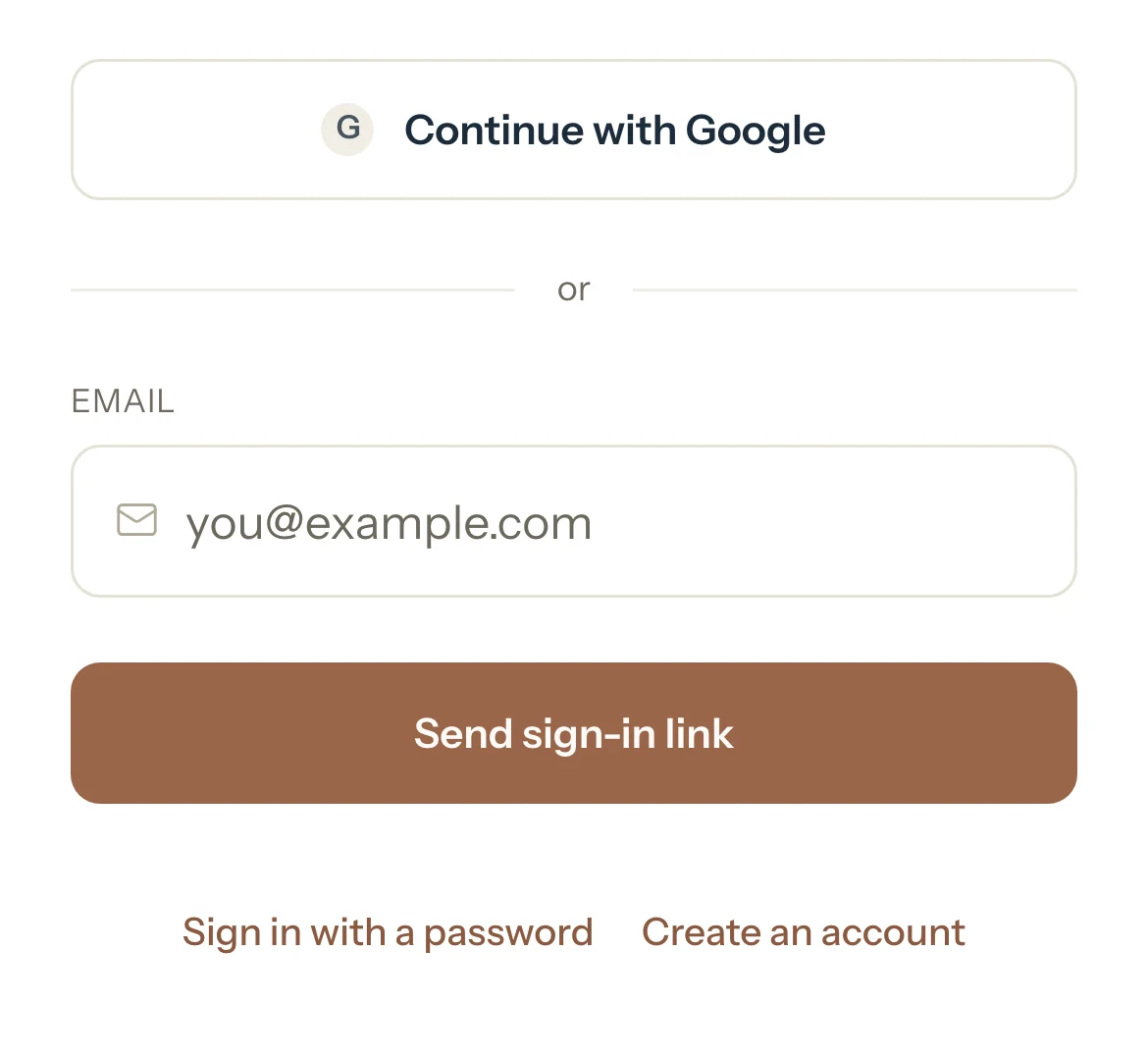
Press Continue with Google, or type your Email and press Send sign-in link, then open the link in the email.
To use a password instead, press Create an account, type your Email and a Password, then press Create account.
The rules for the password show under it as you type.
For a password account, open the link in the email Tutello sends, type your password again and press Confirm email, then Sign in.
The first time, Tutello opens a short set-up that starts with your business details.
When it's done, your dashboard opens.
Good to know
- Your first 30 days are free, and no card is needed.
- Next time, press Sign in on tutello.ae and use the same way as before.
- Parents and students sign in on the same page, and Tutello opens their portal instead of the app.
- Signed up with Google or an email link? You can add a password later in Settings, under Sign-in and security.
- Forgot your password? Press Forgot password? and then Send reset link. The link works once.
If something's not right
"That sign-in link has expired or was already used. Request a new one below."
Each sign-in link works once and not for long. Type your email and press Send sign-in link again.
"Wrong email or password. Try again or use an email link."
Check both, or press Use an email link instead. After several wrong tries password sign-in pauses: reset your password or use an email link.
"This email uses a different sign-in method. Sign in the way you did before."
This email first signed in another way, for example with Google. Sign in that way.
Related
Still stuck? Email support@tutello.ae.