Your free trial and plans
Thirty days free with no card, then Founding Lifetime, a yearly or a monthly plan, each with every feature.
For tutors. Updated October 2026.
Where to find it
- On a phone
- Settings (tap your initials), then Billing
- On a computer
- Settings, then Billing
Steps
Open the Billing tab.
It shows two plans: Monthly, and Founding Lifetime while founding spots remain, or the Annual membership after that.
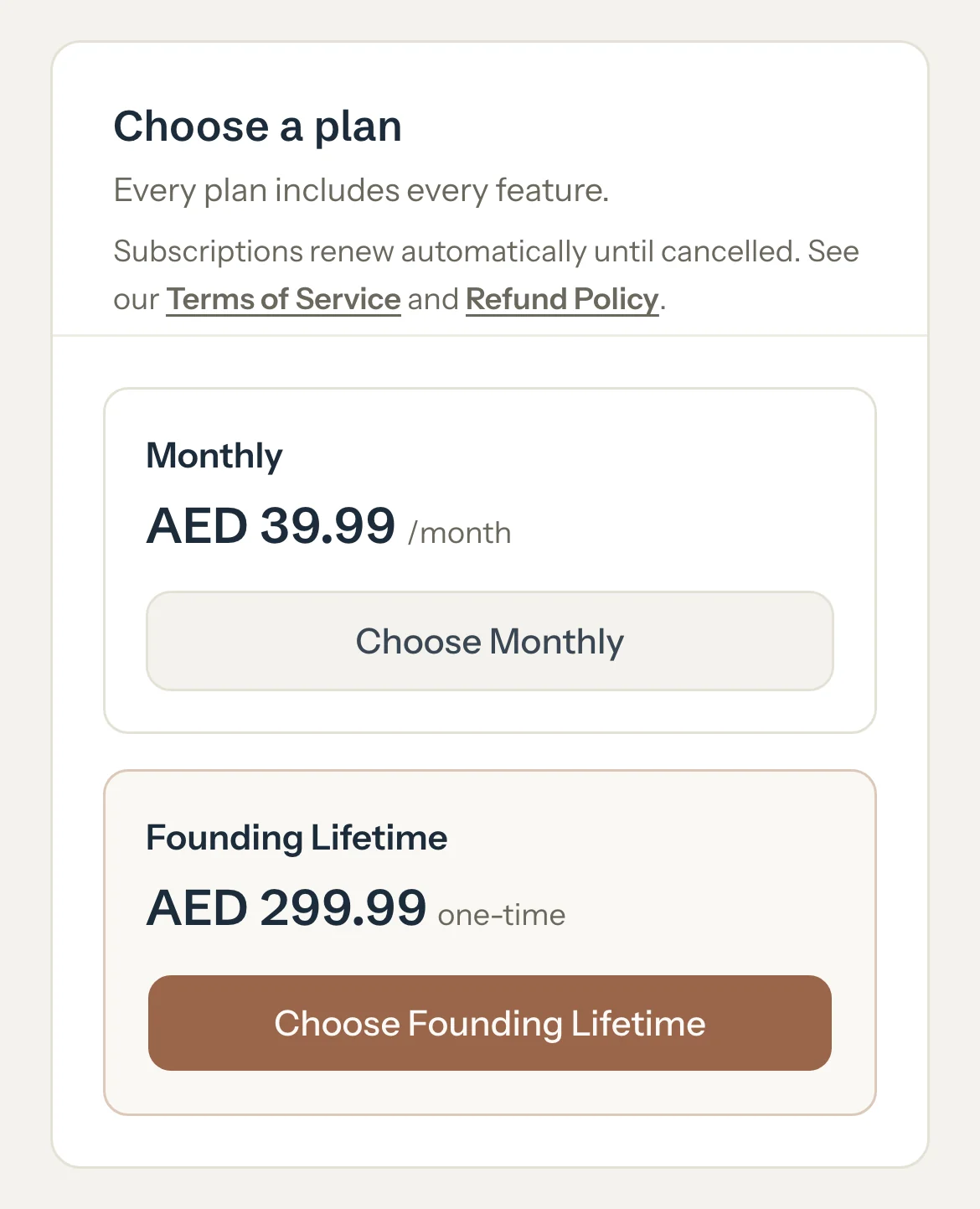
Press Choose Monthly, Choose Founding Lifetime or Choose Annual membership.
Stripe's secure payment page opens. Pay there, and you come back to Tutello.
Optional: Later, to change your card or get receipts, press Manage billing.
Good to know
- The trial lasts 30 days from the day you sign up. You don't need a card to start.
- In the trial's last week, a banner says when it ends, and Tutello emails you a week before and a day before.
- Every plan has every feature. Only the price and how often you pay change.
- Founding Lifetime is paid once, for the first 500 tutors, and includes every feature added later. During the trial, your dashboard shows how many spots are left.
- In the UAE, prices show in AED: AED 299.99 once or a year, AED 39.99 a month. Elsewhere they're $79 and $9.99.
- If a card payment fails, a banner asks you to update your card. You keep full access while you do.
If something's not right
My trial ended before I chose a plan.
Nothing is lost. Your account is read-only until you choose a plan here. See When your trial ends.
Related
Still stuck? Email support@tutello.ae.